

Polar Digital Markets
Trade stocks, ETFs, crypto and bonds from one account.
Open an account, fund it, and use the same workspace on a desk or a phone. Prices below come from the live market catalog.
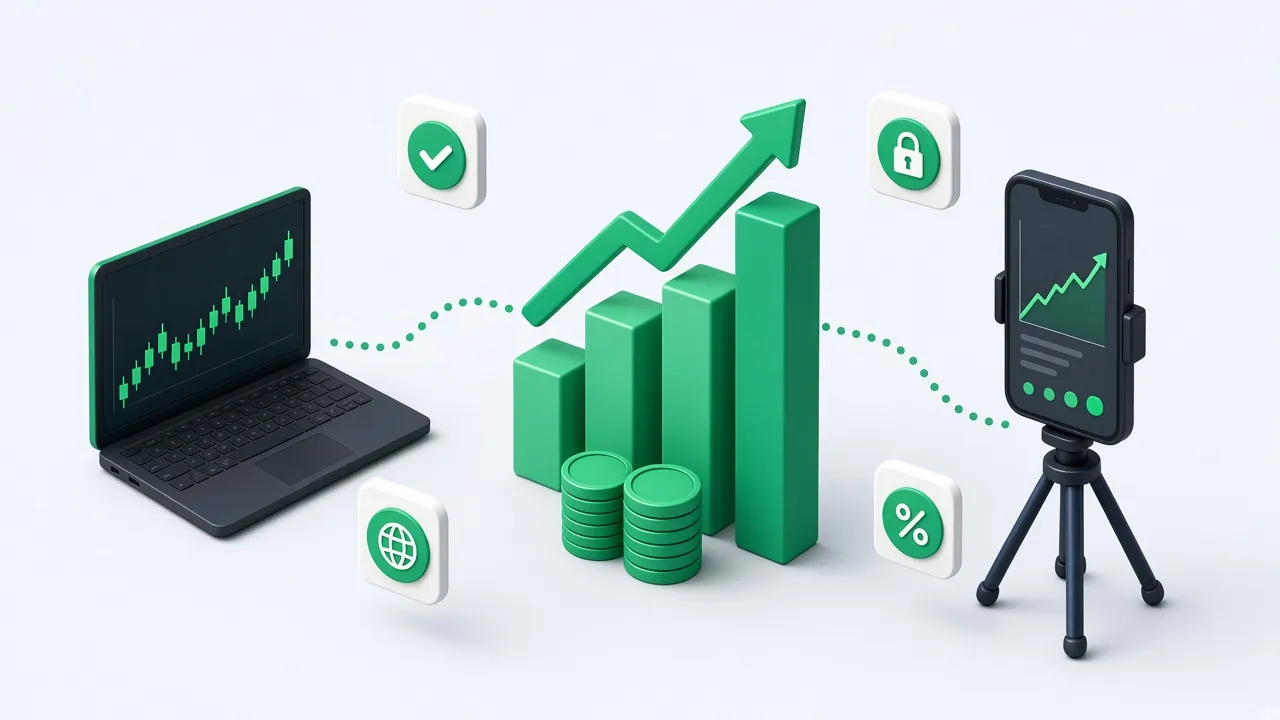
Markets on this platform
These are the product areas the app actually offers. Availability follows the live catalog.
Stocks
Company shares from the market catalog.
ETFs
Funds that track a basket of securities.
Crypto
Bitcoin, Ethereum and other digital assets listed on the platform.
Bonds
Bond products included in the catalog.
Dividends
Dividend-paying names, when they are listed.

Watchlist
Symbols you star, kept on the account.
Savings vault
Locked savings you can top up from the dashboard.

Pensions
Retirement plans inside the same account.

Gifts
Send a listed asset to another client.

Global market access
The catalog includes US-listed names such as Apple and Microsoft, broad ETFs, bonds, and major cryptocurrencies. The exact list is whatever the market service returns today.
Browse the market overviewMarkets in one catalog
Stocks, ETFs, bonds and crypto are listed together. The prices you see are the ones the market service returns.
Browse markets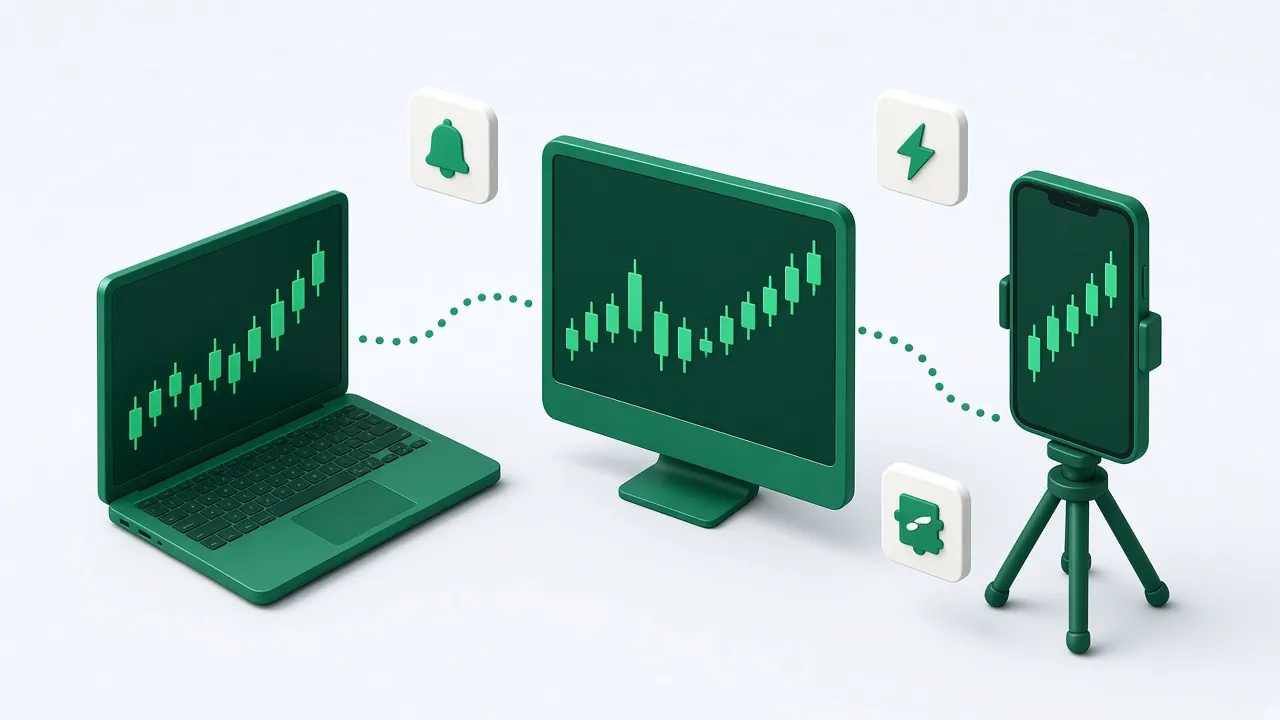
The same account on any screen
Open the dashboard in a desktop or mobile browser. There is no separate app to install.
See the platform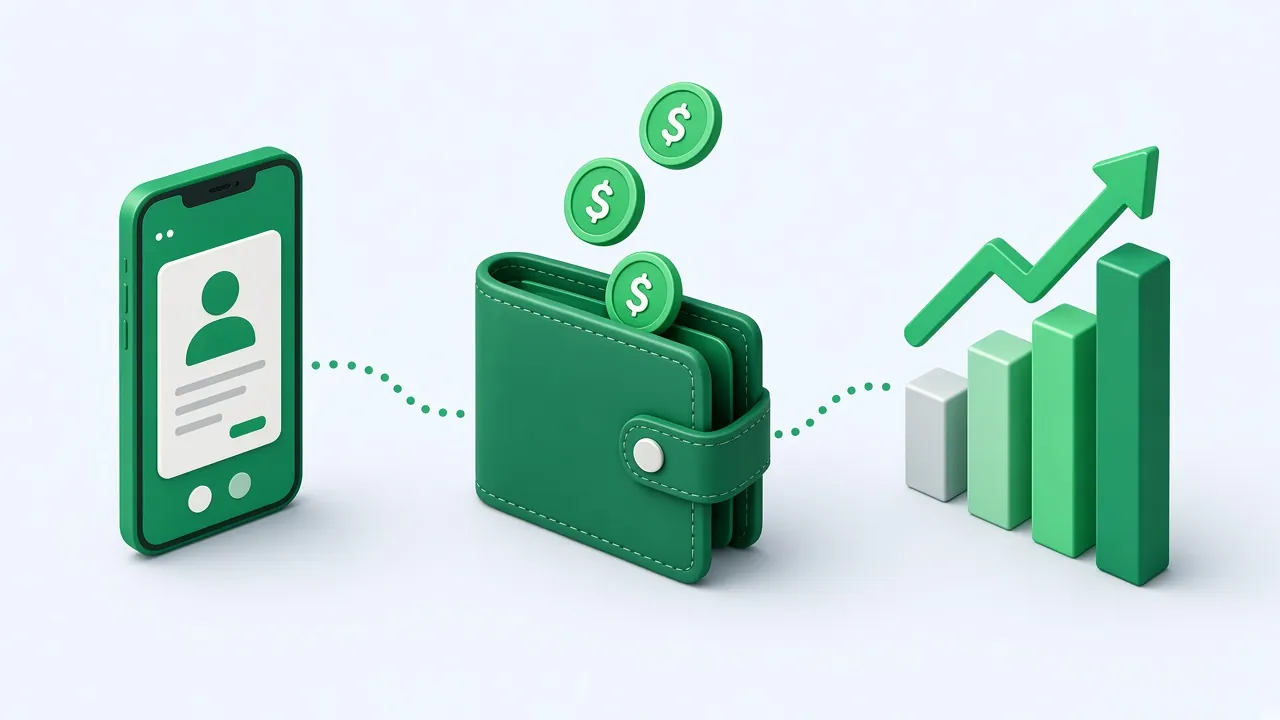
Open, fund, then invest
Create the account, send a deposit with the reference the wallet asks for, then place an order.
Open an account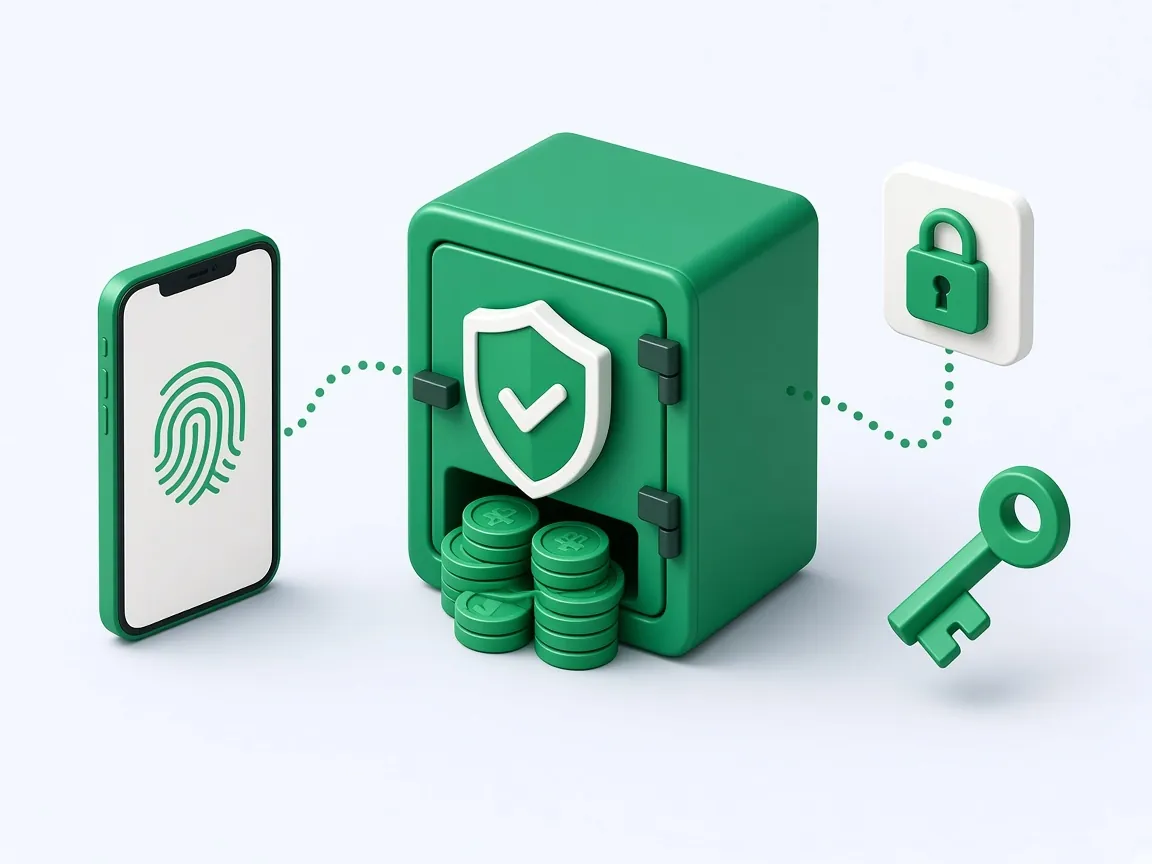
Sign-in you can lock down
Add an authenticator in settings. The dashboard stays behind that session.
Security notesWhy clients use it

Fast enough to place the order
The order form sits on the same page as the price.
Fees published, not guessed
The fees page is where charges belong. This site does not invent a rate.

A support desk
The contact form returns a ticket number, signed in or not.

Authenticator sign-in
Turn on a one-time code in settings before the next login.

Phone or desk
The same account opens in a mobile browser.

Catalog you can read
Each listed asset shows the price, change and the fields the API stores.
Deposits
Request a deposit and keep the reference the wallet page asks for.
Withdrawals
Request a payout. An admin can approve it, including before tax clearance.
Identity check
Submit KYC from the dashboard when the account asks for it.
How it works
1. Open an account
Register with your name, email and password, then confirm the email code.
2. Fund the wallet
Submit a deposit from the dashboard and keep the reference the page asks for.
3. Place an order
Pick a listed asset, review the price, and send a buy or sell.
Trade anywhere
There is no separate download. The dashboard, markets and wallet work in a desktop or mobile browser on the same account.
Read about the platformSecurity and trust
Sign-in can require an authenticator code. Passwords are checked by the API, and dashboard routes require a session. This page does not name a regulator, license, award, client count or assets under management. Add those facts here only after they are confirmed.
Security notesFees
Placeholder: a fee table belongs here only when the owner publishes real commission, spread and custody figures. Until then, treat any number on the fees page as copy that still needs confirmation.
Open the fees page
Open an account and use the catalog.
Registration, email verification, then the same wallet and markets.
Open accountQuestions
Choose Open account, complete the registration form, and verify your email. You can fund the account after you sign in.